

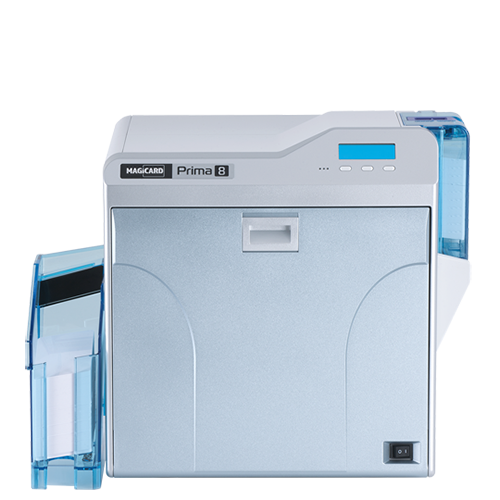

Magicard Single-Sided Printers
PrimeID offers the full range of Magicard single-sided printers — designed for organizations that need dependable, high-quality ID card printing without complexity. From the compact Magicard Pronto to the advanced Magicard 300 and 600 models, each printer delivers vibrant, secure, and professional results. Perfect for schools, small businesses, and office environments, these printers combine ease of use, speed, and reliability with Magicard’s trusted security features like HoloKote® watermarking.
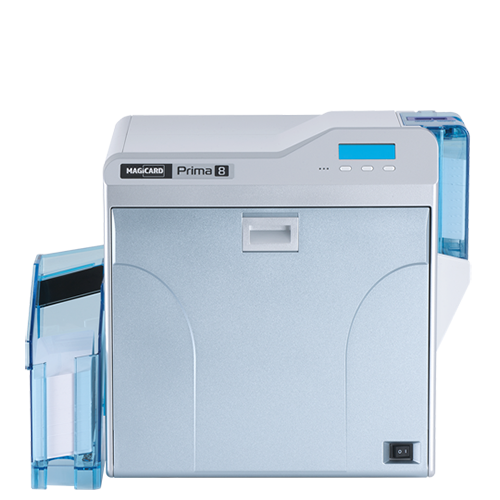
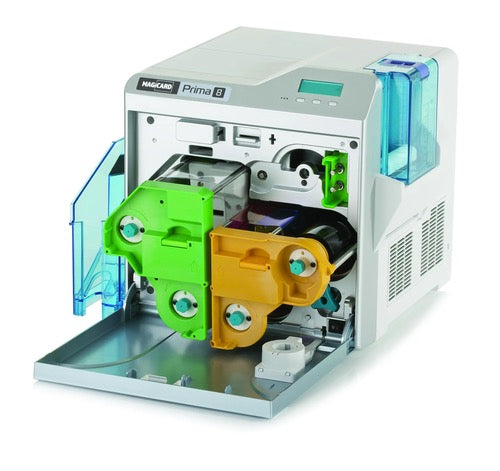
Prima 8 Single Sided Retransfer Printer 300dpi
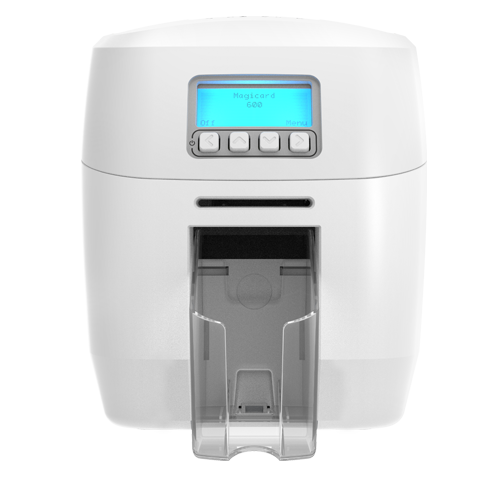
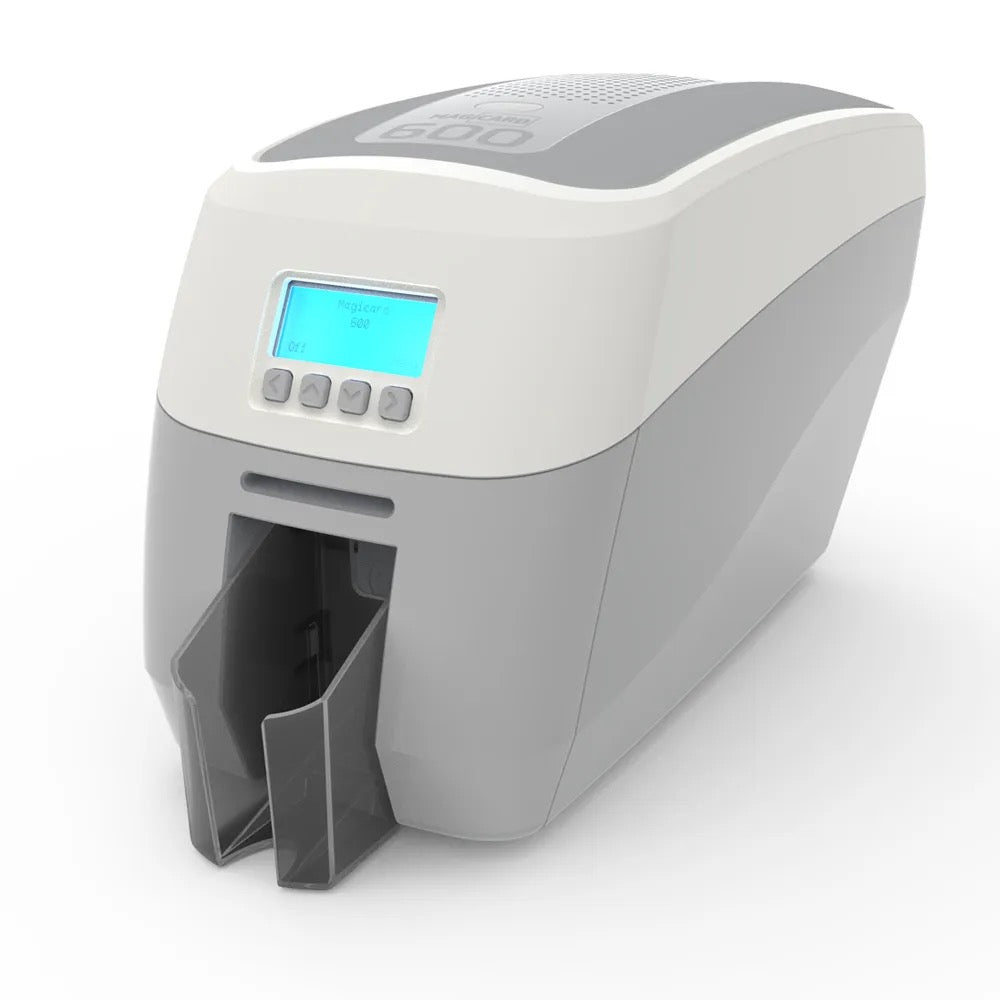
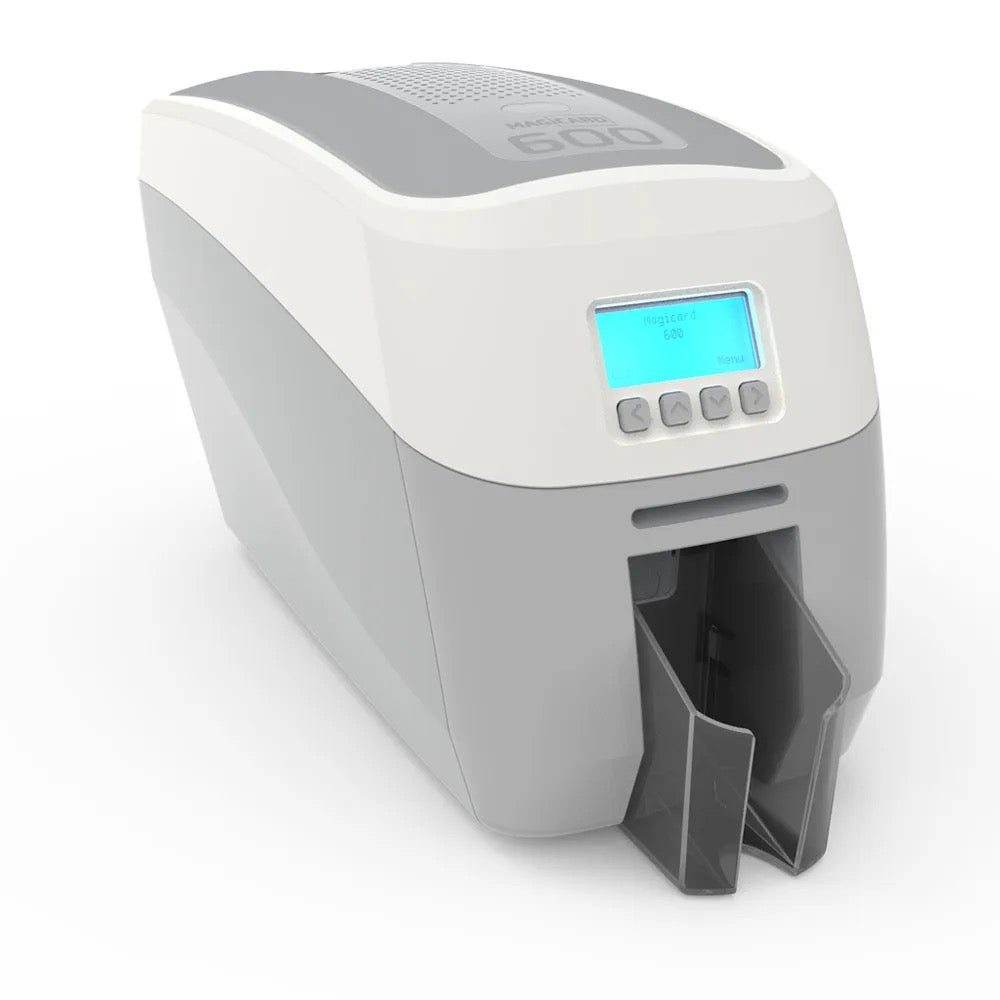
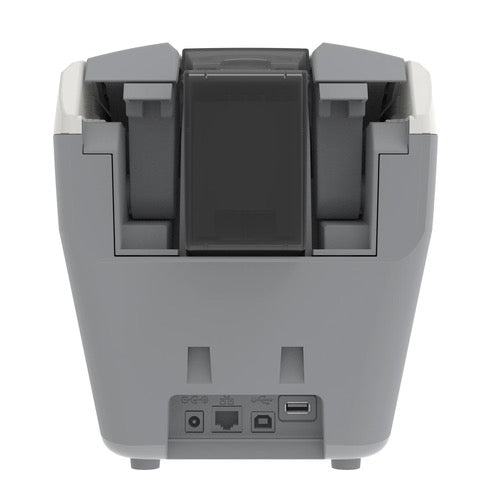
Magicard 600 Single Sided ID Card Printer with Smart Card Encoding
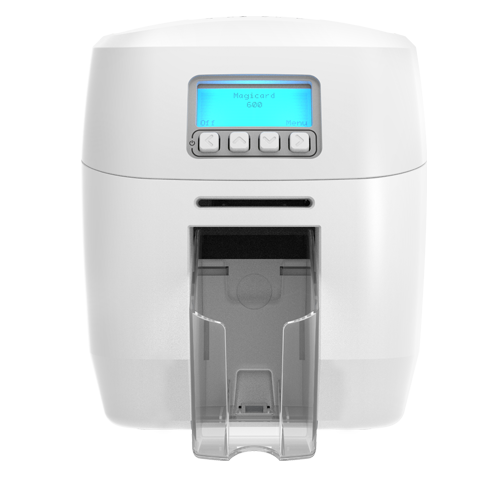
Magicard 600 Single Sided ID Card Printer with Magnetic Encoding
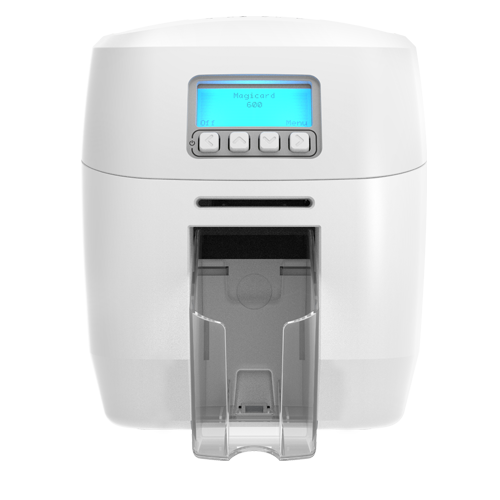
Magicard 600 Single Sided ID Card Printer
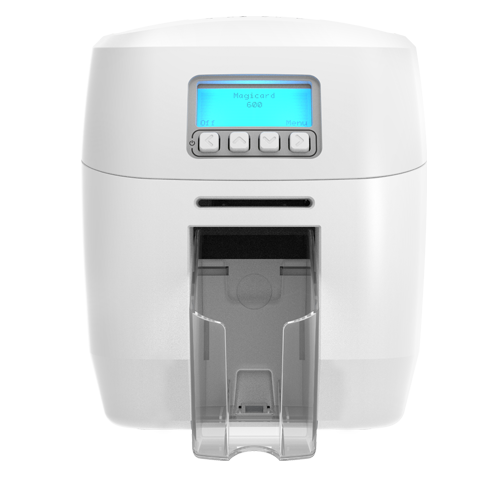
Magicard 600 Single ID Card Printer with Magnetic and Smart Card Encoding
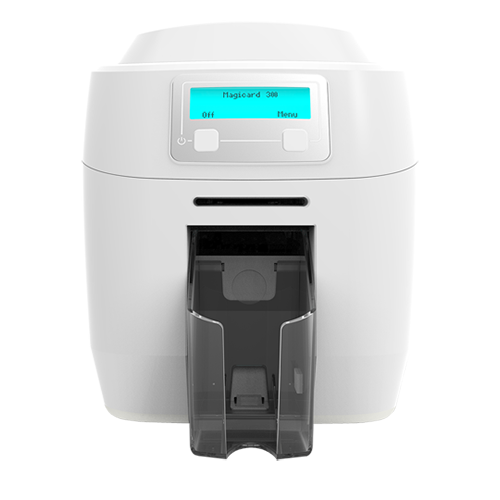
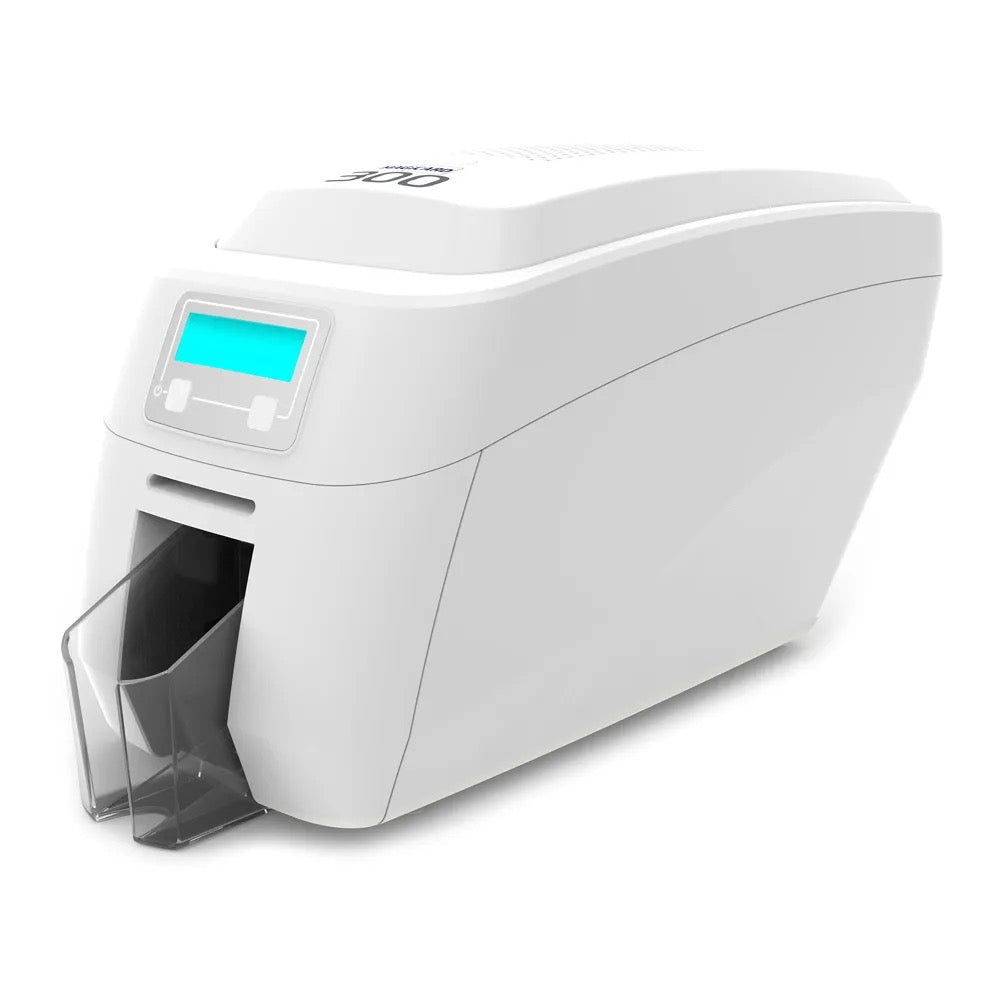
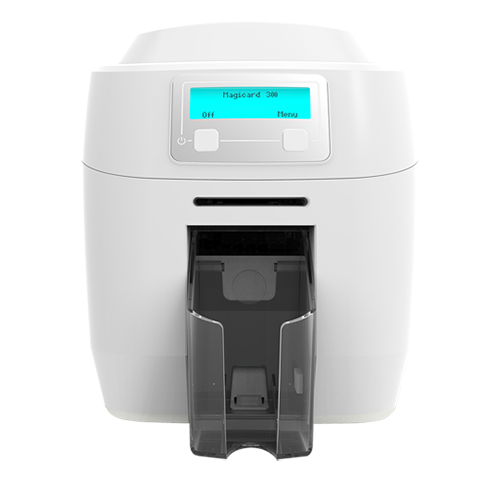
Magicard 300 Single Sided ID Card Printer with Smart Card Encoding
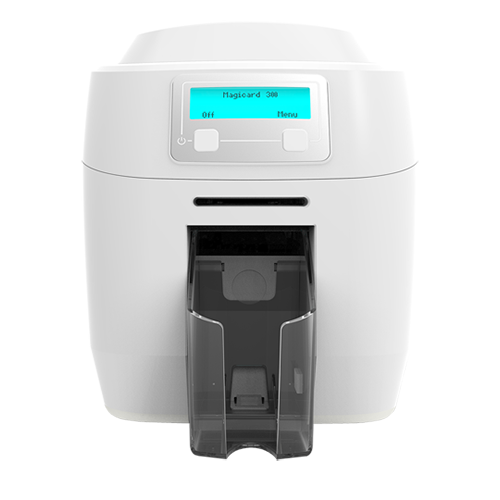
Magicard 300 Single Sided ID Card Printer with Magnetic Encoding
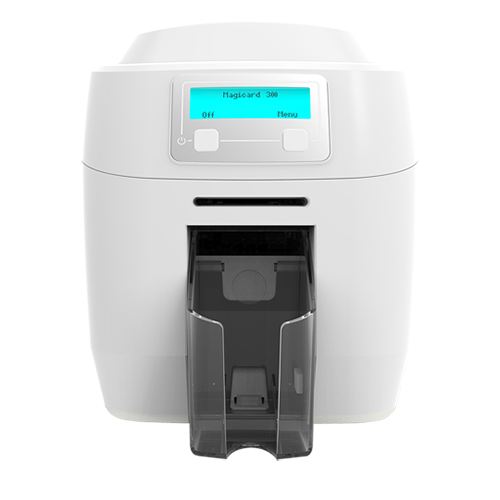
Magicard 300 Single Sided ID Card Printer with Magnetic and Smart Card Encoding
High-Quality ID Card Printing Solutions for Every Organization
Take a Look at Our Full Range of Magicard Printers
Take a look at our complete lineup of Magicard ID card printers, known for their exceptional print quality, advanced security features, and reliable performance. From the compact Pronto100 for entry-level printing to the versatile Magicard 300 and high-speed Magicard 600, all the way to the premium Prima 8 retransfer printer for edge-to-edge, high-definition results — there’s a Magicard printer to suit every need. Many models include built-in visual security features, such as HoloKote® watermarking, and can be upgraded with magnetic stripe or smart card encoding for enhanced protection. Whether you’re printing employee badges, student IDs, or secure credentials, Magicard printers deliver professional, durable results with every card.
Prima 8 Single Sided Retransfer Printer 300dpi
Magicard 600 Single Sided ID Card Printer with Smart Card Encoding
Magicard 600 Single Sided ID Card Printer with Magnetic Encoding
Magicard 600 Single Sided ID Card Printer
Magicard 600 Single ID Card Printer with Magnetic and Smart Card Encoding
Magicard 300 Single Sided ID Card Printer with Smart Card Encoding
Magicard 300 Single Sided ID Card Printer with Magnetic Encoding
High-quality ribbons for every Magicard printer model
All Magicard Printer Ribbons
PrimeID offers the complete range of genuine Magicard printer ribbons designed to deliver exceptional print quality, reliability, and durability. Whether you’re printing full-color ID cards, monochrome badges, or secure credentials with overlay protection, Magicard ribbons produce vivid, long-lasting results. Available for all Magicard models — including Pronto, 300, 600, and Prima retransfer printers — these ribbons ensure your system operates at peak performance with every print.
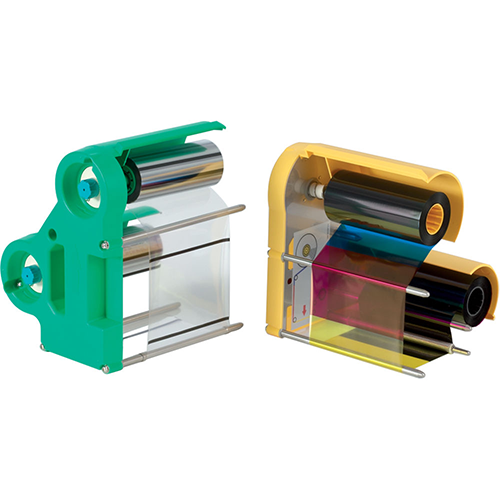
Prima 8 Set of 1 x YMCK ink ribbon, and 1 x retransfer ribbon
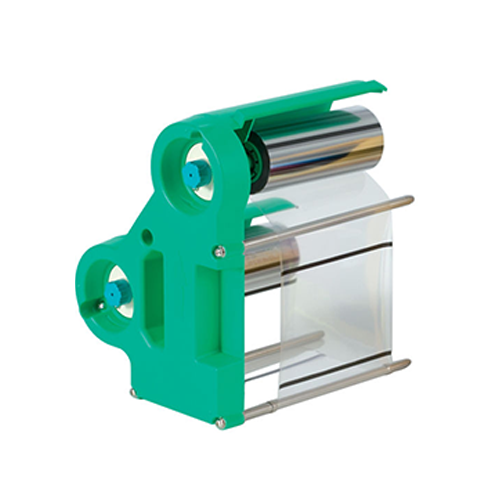
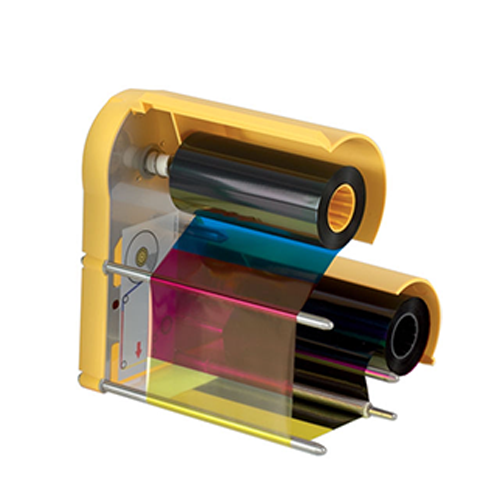
Prima 8 Colour dye film, with UV panel
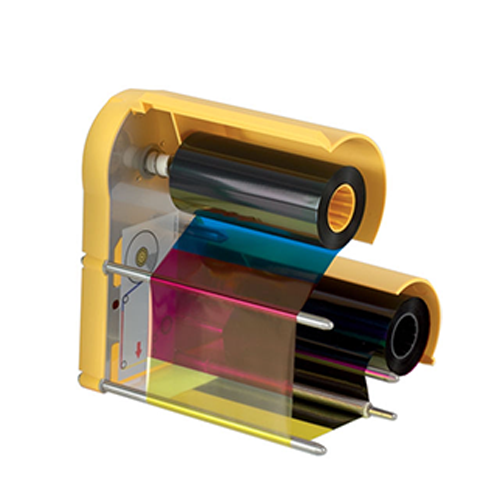
Prima 8 Colour dye film, black on reverse
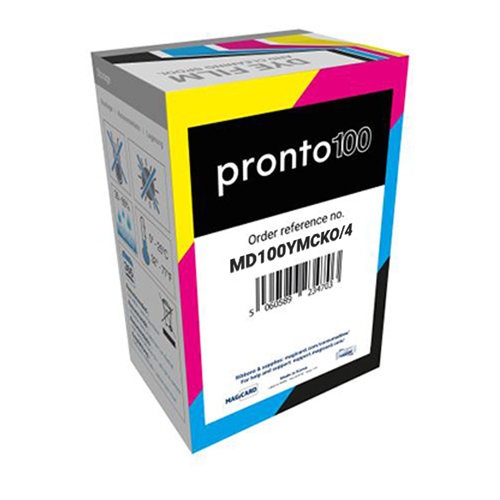
Magicard Pronto 100 200 Shot Dye Film YMCKO
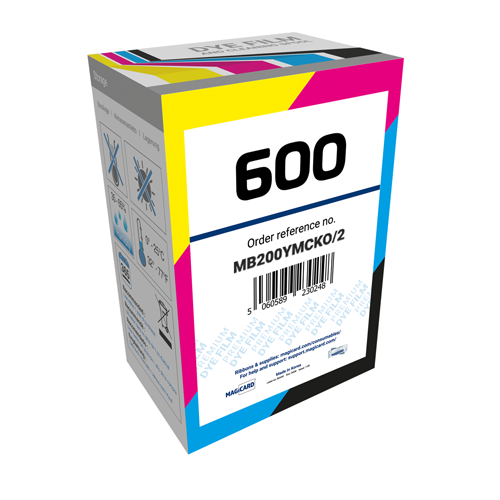
Magicard 600 YMCKOK 250 Shot Dye Film
High-Quality Upgrades and OEM Components for Every Magicard Printer
Take a Look at PrimeID’s Genuine Magicard Printer Options & Parts
PrimeID offers genuine Magicard printer options that expand your printer’s capabilities and enhance performance. Choose from upgrade modules such as magnetic stripe and contactless encoding, Wi-Fi connectivity, duplex flippers, and advanced security add-ons. These authentic Magicard options integrate seamlessly with your printer, giving you flexibility to scale functionality, improve workflow, and deliver secure, professional ID cards with ease.
Prime 8 - Bend Remedy option for Prima8 Duo (factory fitted)
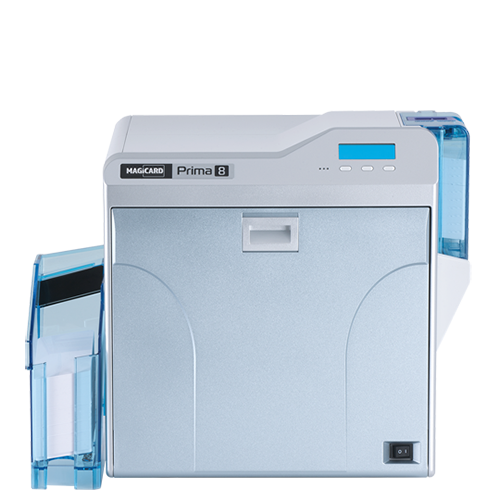
Prime 8 - Contact Chip Encoding Module (factory fitted)
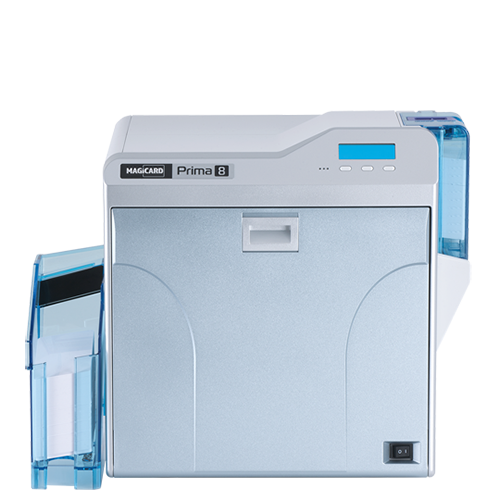
Prime 8 - Contactless Encoding Module (factory fitted)
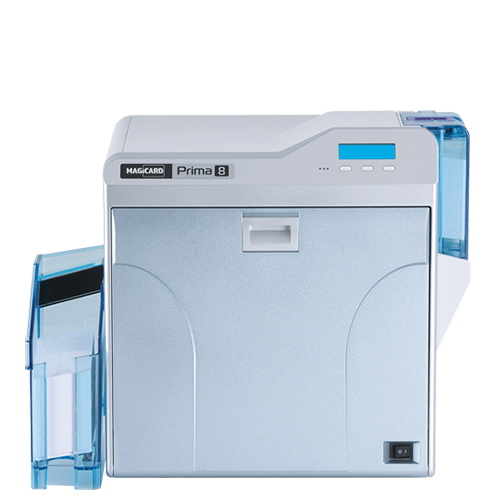
Prime 8 - Mag Stripe Encoding Module (factory fitted)
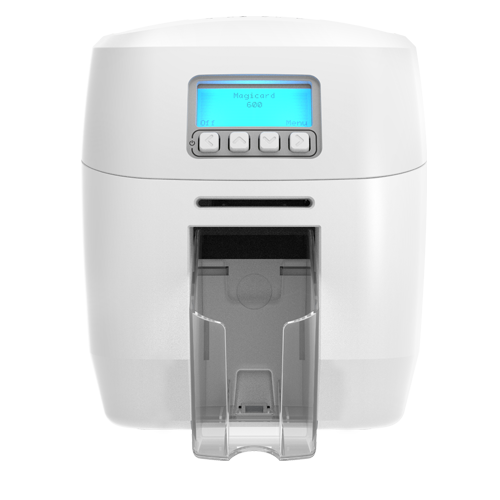
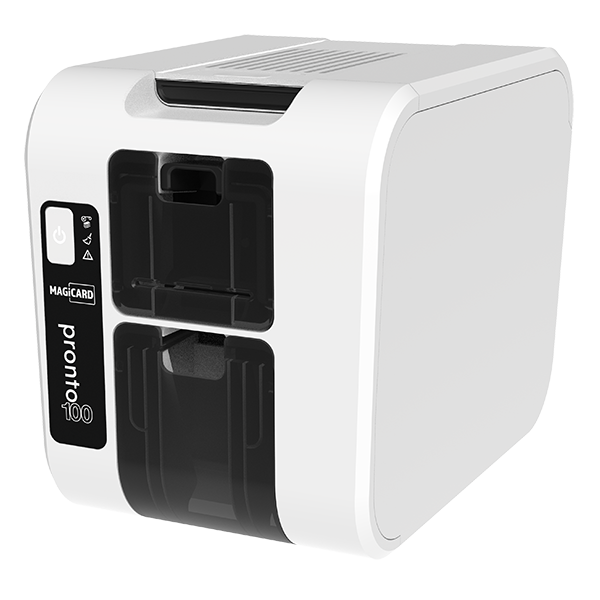
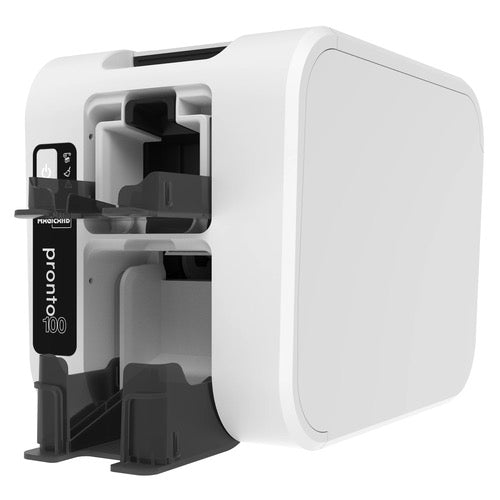
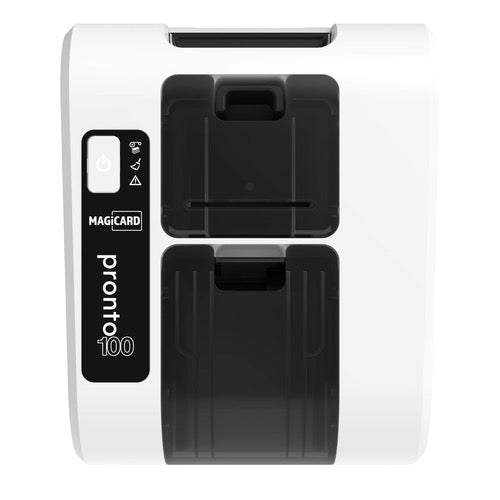
Pronto100 Single Sided ID Card Printer
The smallest, fastest, best quality ID card printer in its class; the Pronto 100 is a ground-breaking device optimised with Clix remote user management which delivers on MagicardÕs environmental promise
Find answers to common questions about Magicard ID card printers
Magicard Printers: Frequently Asked Questions
Whether you’re setting up your first Magicard printer or looking for tips on ribbons, encoding, or maintenance, this FAQ section covers the most common questions users have. From understanding HoloKote® security to selecting the right ribbon, you’ll find everything you need to get the best results from your Magicard printer. Still have questions? We’re here to help.
What makes Magicard ID card printers unique?
Magicard printers stand out for their built-in security features like HoloKote® watermark printing, reliability across a range of models, and compatibility with standard and secure card types. They are a popular choice for government, education, and corporate environments.
What types of ID cards can I print with a Magicard printer?
You can print on CR80 PVC cards, magnetic stripe cards, proximity cards, smart cards (contact/contactless), rewritable cards (on supported models), and access control cards. Some models also support rewritable and eco-friendly cards.
Which Magicard printers support dual-sided printing?
Models such as the Magicard 300, Magicard 600, and Prima 8 offer dual-sided printing either as standard or via an upgrade. Entry-level models like the Pronto100 are single-sided by default.
Can Magicard printers encode cards with magnetic stripes or smart chips?
Yes. Select Magicard printers support encoding magnetic stripes, MIFARE®, DESFire®, and other smart cards using optional or integrated modules. Check your printer model for encoding support.
What is Magicard’s HoloKote® security feature?
HoloKote® is a patented security overlay that prints a watermark across the card surface without requiring special ribbon or lamination. Some models let you upload custom watermark designs for enhanced brand security.
How often should I clean my Magicard printer?
It’s recommended to clean your printer every 700–1,000 cards or when prompted. Use Magicard’s official cleaning kits to avoid damage and ensure optimal print quality.
What ribbon types are compatible with Magicard printers?
Magicard offers YMCKO, YMCKOK, half-panel, monochrome (K, black, gold, silver, etc.), and rewritable ribbons. Ribbon compatibility depends on the printer model, so always match ribbon codes with your printer.
Why is my Magicard printer not recognizing the ribbon?
This could be due to incorrect ribbon type, a dirty sensor, or a ribbon loaded improperly. Try reseating the ribbon, cleaning the printer, or using a new genuine Magicard ribbon.
Where can I download drivers and firmware for Magicard printers?
Drivers, firmware, and user manuals are available at magicard.com/support. Be sure to select your exact printer model before downloading.
What is the warranty on Magicard printers?
Most Magicard printers come with a 3-year limited warranty, including Hot Swap and loaner support in many regions. Warranty terms may vary by model and reseller.
What should I do if the printed card has lines or streaks?
Lines or streaks often indicate a dirty printhead or debris on the ribbon. Run a full cleaning cycle using the official Magicard cleaning kit. If the problem persists, inspect the printhead for damage or contact support.
What should I do if my Magicard printer shows a “Ribbon Low” or “No Ribbon” error?
First, verify that the ribbon is seated properly. Open the printer lid, remove and reinsert the ribbon securely. Clean the ribbon sensor if needed. If the issue remains, try replacing the ribbon with a new, genuine Magicard cartridge.
Do Magicard printers support Wi-Fi or network printing?
Some Magicard printers, like the Magicard 300 and 600, offer Ethernet connectivity for shared network printing. While Wi-Fi is not built-in, it can be achieved with third-party wireless print server devices. Always check the specific model’s specs for connectivity options.
What software works best with Magicard printers?
Magicard printers are compatible with most ID card design software, including CardExchange® Producer and cardPresso. Magicard also provides TrustID software. Always ensure your software supports your printer’s encoding features if needed.
What’s the difference between the Magicard Pronto100, 300, 600, and Prima 8?
- Pronto100: Entry-level, compact, single-sided printer
- Magicard 300: Mid-tier, higher print quality, optional dual-sided
- Magicard 600: High-end, enhanced color, faster output, better security
- Prima 8: Retransfer printer for high-volume, high-security environments with optional lamination
Each model is designed for a specific level of usage and card durability. Choose based on volume, print quality, and encoding needs.

Prefer Not to Handle Printing Yourself?
Skip the hassle of managing your own card printer and let our expert team do the work for you. We provide high-quality, fully customized ID card printing with fast turnaround times. From single cards to large batches, our secure process delivers vibrant colors, sharp details, and long-lasting results ready to use straight out of the box.